
Creating a lesson plan about earthquakes using Ideamapper can be an engaging way to help students understand and visualize complex information through mind mapping. Here’s a step-by-step guide on how you can use Ideamapper to create a structured and interactive lesson on earthquakes:
User
Mrs Briggs
Challenge
Following the 4.8-magnitude earthquake in New York, in April 2024, Mrs. Briggs wants her students to understand how and why earthquakes occur, and the effect they have on the world. She wants to create an engaging way to help students understand and visualize complex information.
Solution
Mrs. Briggs decides to integrate Ideamapper into her science curriculum to enhance her teaching methods and improve student learning outcomes.
Lesson Title
Understanding Earthquakes
Grade Level
5th-8th grade
Scenario
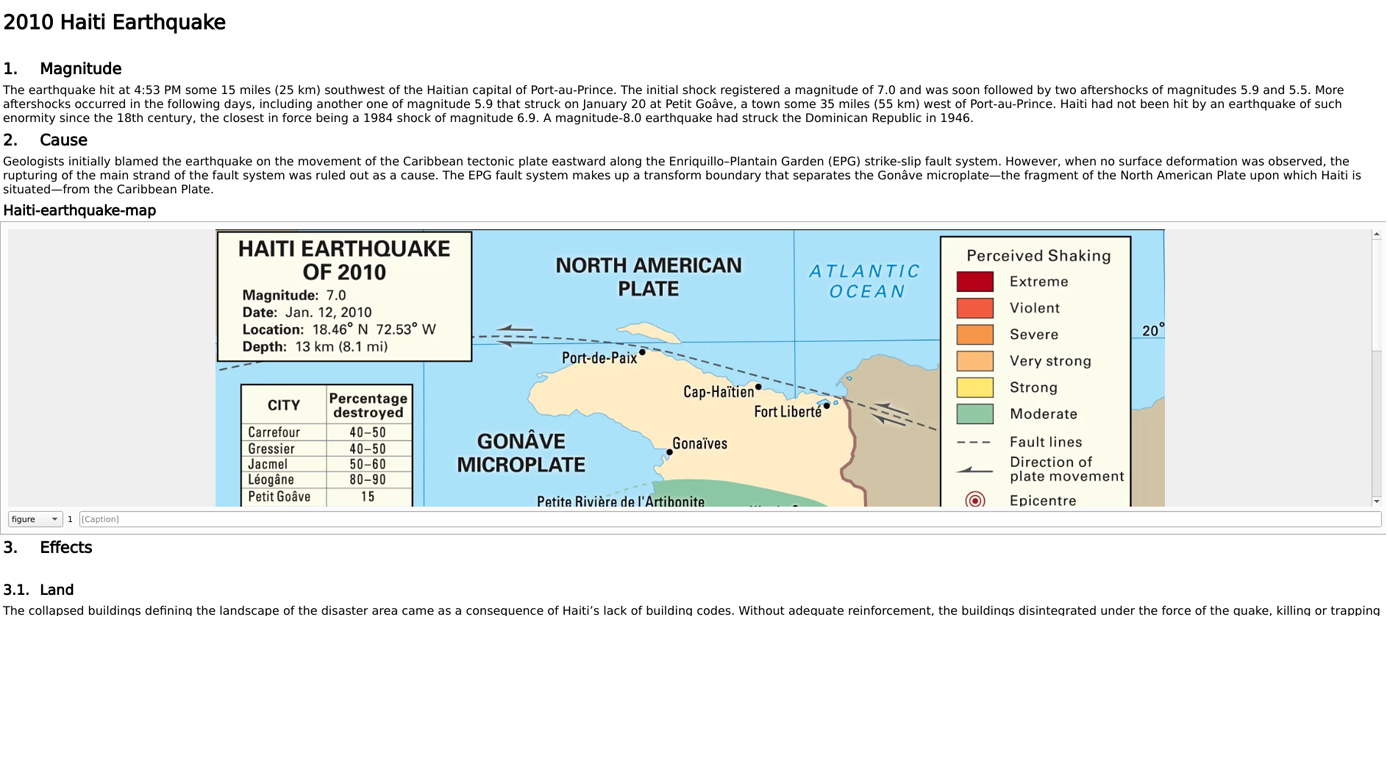
Lesson Planning: Mrs. Briggs used Ideamapper to plan out her lesson by creating a mind map with the Central Idea of ‘Understanding Earthquakes’ and branching off to ‘Lesson Goal(s)’, ‘Brainstorming’ and more. She was easily able to attach her resources by adding her links as references. She then used Split-Screen View to add her plan under each idea.


Interactive Learning: Following her lesson plan, Mrs. Briggs shared a template in Ideamapper for her students to fill out by answering the following questions: What are earthquakes? How do they occur? And many more.
Assessment and Evaluation: Once the students had completed the template, Mrs. Briggs asked them to create their mind map about an earthquake that has occurred, outlining the cause and effects. After the lesson, Mrs. Briggs can use the maps that her students have created to assess their understanding of earthquakes.



Outcome
Ideamapper is particularly suited for this kind of lesson because it allows both the creation of visually engaging learning materials and the organization of complex information in an intuitive way. This makes it easier for students to grasp difficult concepts like the science behind earthquakes.
Resources
Want to use the resources created in this blog post? Not a problem, you can try out the mind maps we’ve created for free! Please access these resources using a desktop, laptop or tablet. Mobile phone access is not supported at this time.
Not sure how to get started? Check out our tutorial videos, starting with ‘Getting Started with Mind Mapping‘.


